|
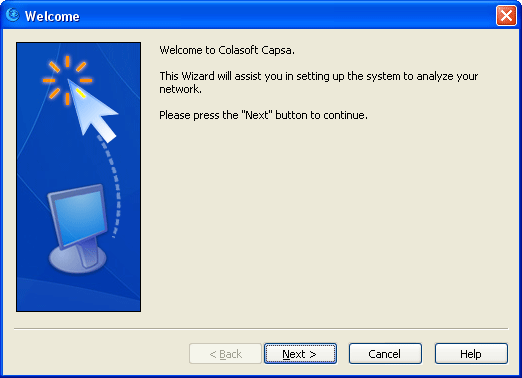
This Wizard will appear upon the first run of the program after its installation,
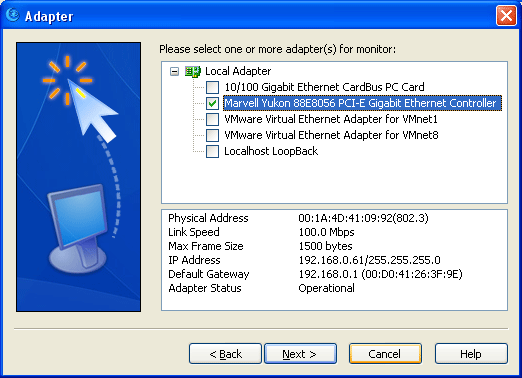
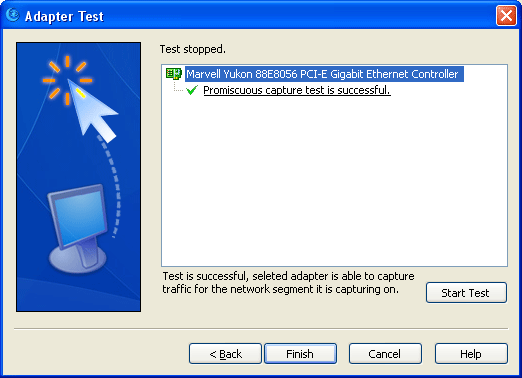
providing adapter setting and adapter test options.
Adapter Selection : you can select multiple adapters.
Adapter Test: test the adapter/adapters selected in the previous page.
Test duration is displayed at the bottom. There is no limit for test duration, you have to stop it manually. When test is over, whether it is successful or not, the time display will be replaced by a description of the test result. If you press Next before the test is over or without pressing Stop button, a prompt will pop up to notify you "stop testing first". User Wizard allows you to select and test adapter/adapters to check out whether the installation and the deployment is correct. |