|
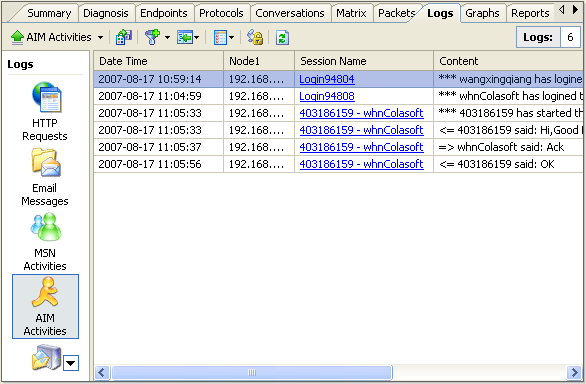
In AIM Logs view you can monitor real-time information of all AIM
activities, including date, time, node, session name, as well as
the message content.
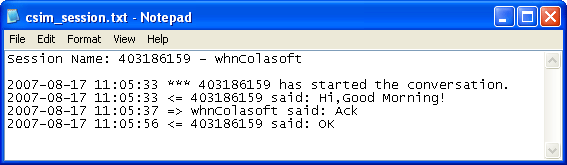
All AIM messages are listed in time sequence, to view messages of a specific session, you can click the desired session name in the session name column, then a text file will pop up to show all the messages of the selected session.
To change the settings of AIM log, click the Log icon |
 in the toolbar to open the Project Setting - Log page, then
double click the AIM Log to edit. For more descriptions, please
see "
in the toolbar to open the Project Setting - Log page, then
double click the AIM Log to edit. For more descriptions, please
see "