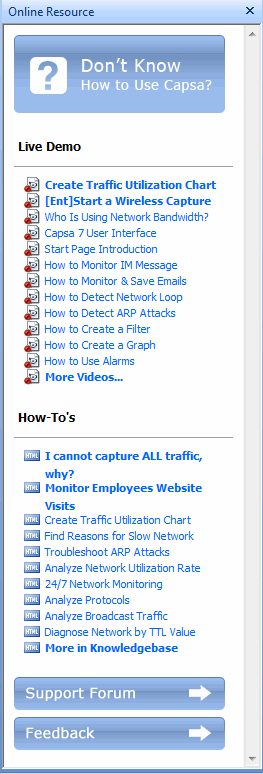
Online Resource window provides much online resource, including how to use Capsa, live demo, and technical forum.
Online Resource window is displayed on the right section of the main user interface by default. You can close it by clicking the close button on the top right corner. If you do not want to show it when starting analysis projects, click Menu button, select Options, and on Basic Settings tab cancel the selection on Show Online Resource window on start.
| Back |