To open the System Options dialog box:
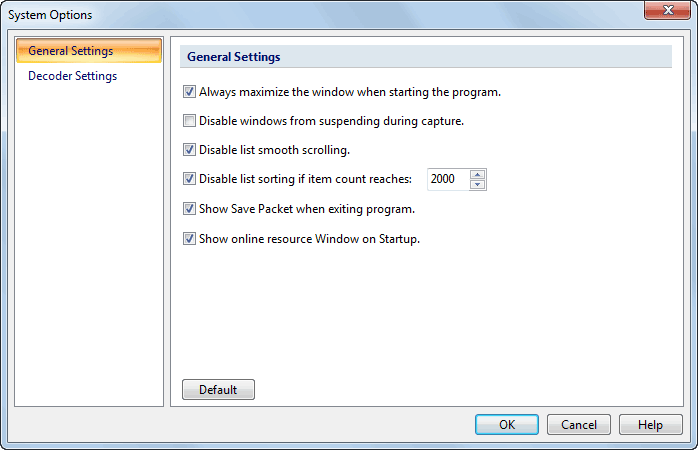
The System Options dialog box appears as below:
The following table lists all four items in the left pane of the System Options dialog box:
| Item | Description |
| General Settings | General settings for window size, windows suspending and display, etc. |
| Decoder Settings | All pre-specified decoders are listed here which are designed modularity. You can decide to enable or disable whichever decoder to meet your specific need. All decoders are enabled by default. |
You can read the detailed description of each item via links above.
|
Back |
| Copyright © 2001 - 2011 Colasoft. All rights reserved. |