|
Each time when you start a new capture, you are required to select the adapter. Available adapters are listed in the Project Settings - Adapter page, you can choose one or more adapters (only one adapter can be opened in the professional edition ) for the current project. When an adapter is highlighted, some brief descriptions about this adapter will be showed on the lower Property pane.
In this page you can also test the selected adapter. See "Capture sources" for more references.
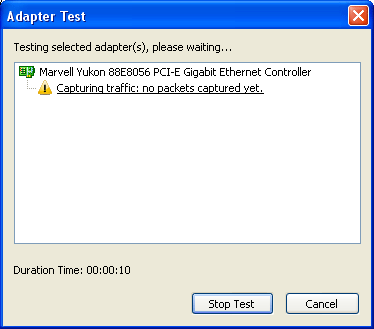
To test a adapter you just need to select on adapter and click test at the right bottom, a dialog box will pop up and show the test information.
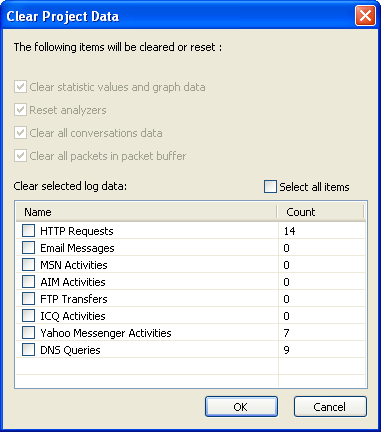
It is allowed to change adapter during the capture process, however, in order to keep the data displayed accurate and up to date, any change to adapter settings will clear or reset some project items, e.g. statistic values, graph data, analyzers, conversations and packet buffer. Log data are optionally cleared, including email messages, FTP transfers , HTTP requests and diagnosis event logs.
|