|
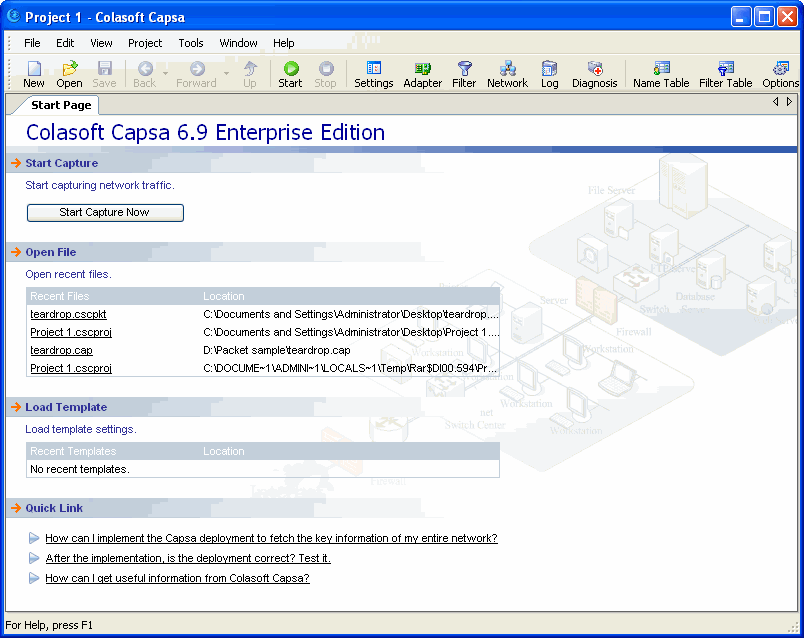
Each time when you open a new project, you can see a start page which offers some quick links of the most common project operations:
You can open a recently saved project file from the list; some contents in this project buffer will be cleared or reset when you start capturing new packets. Or open a project file by dragging it into the project window. Colasoft Capsa supports project templates, you may save a project as template. When you open a template, Colasoft Capsa will load its settings for capture |