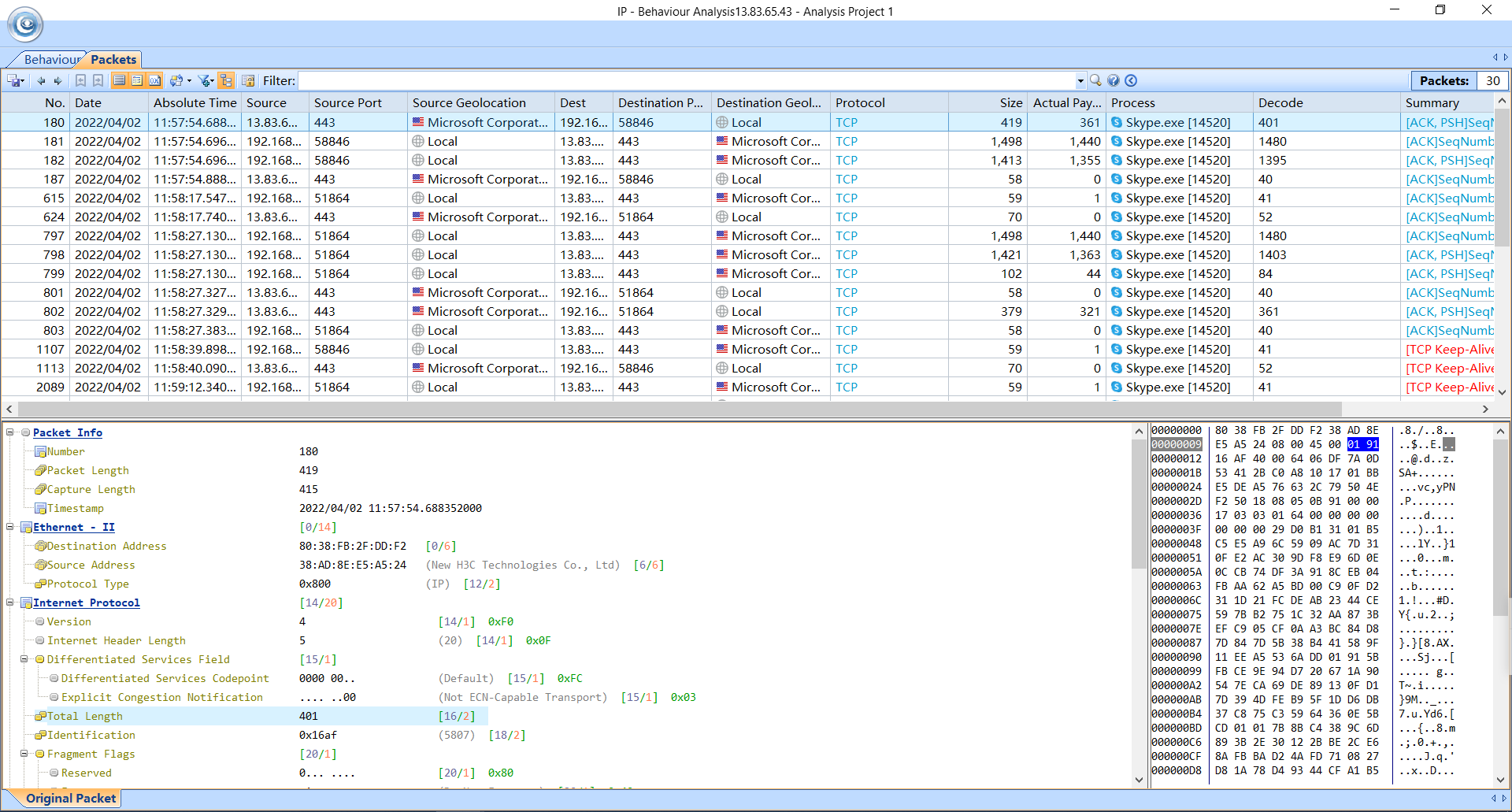
Extensive Statistics of Each Host
What is Endpoint?
The two ends of network communications are called endpoints. Endpoint can be a local host or a remote host. Capsa is able to detect all endpoints in network communications and provide detailed information of each endpoint.
Endpoint List
There are two endpoint tabs on Capsa, IP Endpoint and Physical Endpoint, all endpoints detected will be listed with their respective statistics and general information such as aggregated traffic and real-time traffic. For remote endpoints we can easily find its geographic address in the GEO column. With its easy sorting feature we can easily sort all endpoints by different attributes.
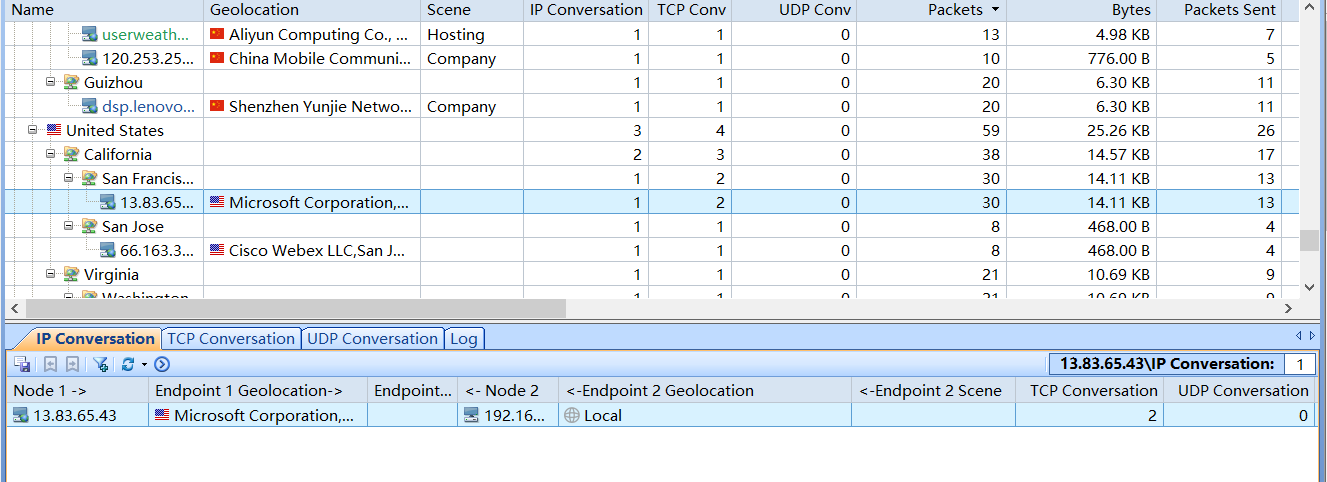
Locate Endpoint
Double click the communication chart, this would help to view detailed information about the located endpoint in order to conduct drilldown analysis.