Extended Network Security Analysis
All network analyzers/sniffers have the ability to capture data from network. But most of them only do some simple statistics then throw pages of numbers to the users. Especially in a big network with heavy traffic, network administrators have to figure out a network problem even a simple one. Capsa Network Analyzer takes a step forward which not only performs traffic statistics over different aspects but also tries to help network administrators locate and resolve network problems and threats more quickly.
The Security Analysis is a perfect example. The Security Analysis is an analysis profile which has the power to detect the following network anomalies and attacks:
Capsa helps network administrators to set the customized parameters for these threats to make it works more accurately to recognize the threats. When any threats listed above detected, Capsa displays the source and target IP addresses together with other statistics in its corresponding tab of the main view. With the IP addresses displayed, network administrators only need to figure out the physical location of the device and then cut it off the network to stop its malicious activities.
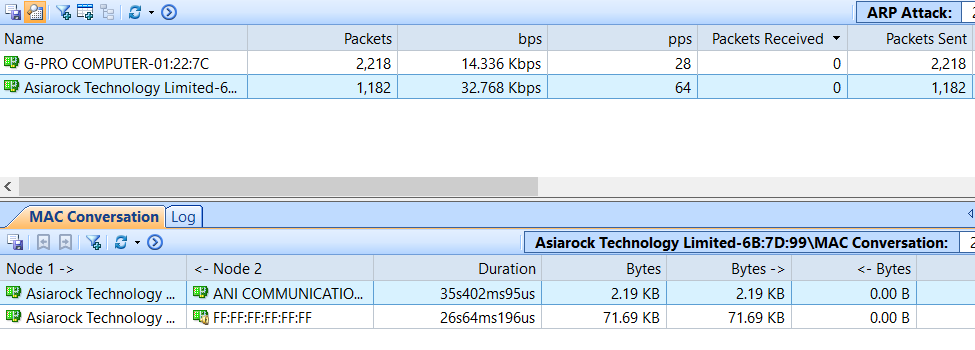
ARP Attack
The ARP attacks are grouped as ARP Request Storm, ARP Scanning and Excessed active ARP response. The malicious source machine can be found by its MAC address.
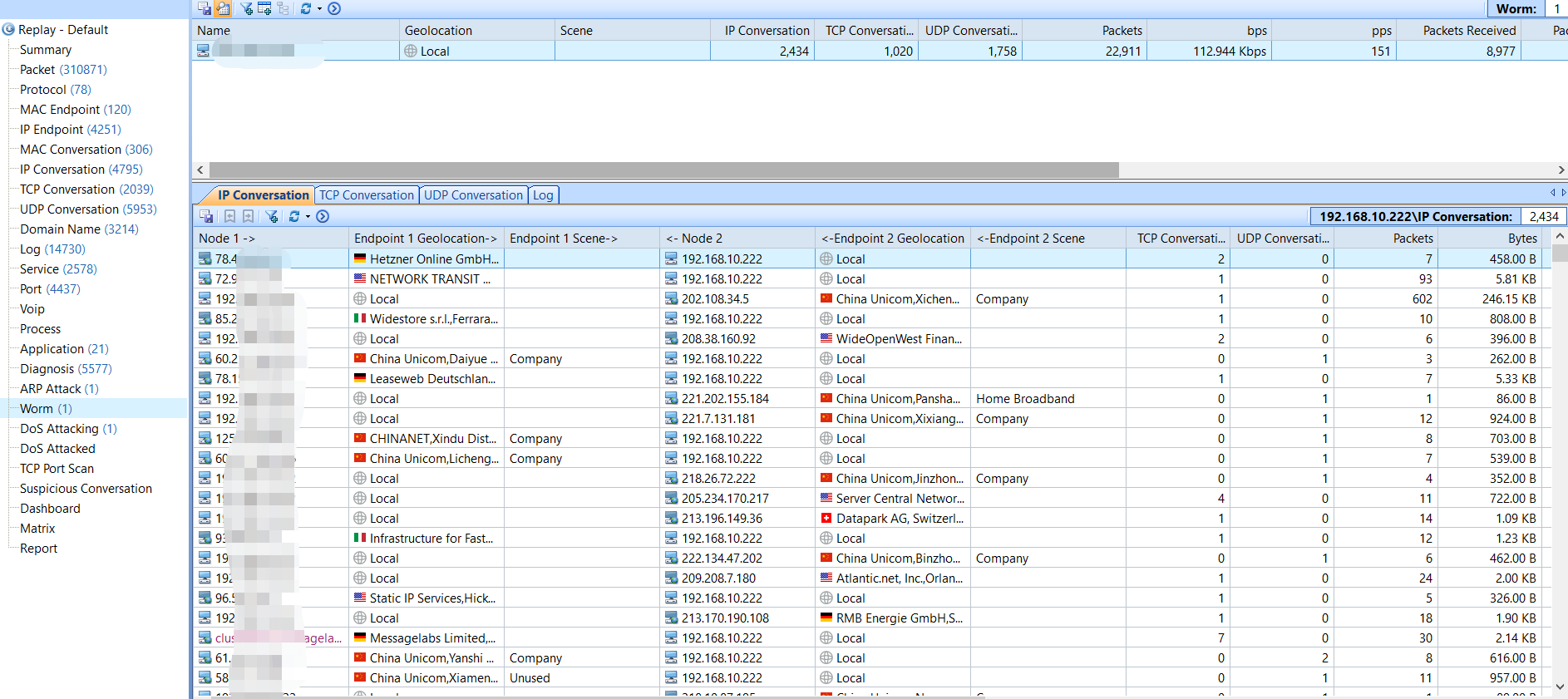
Worm Activity
Worms are big threats to network security, especially the ones an Anti-virus program cannot detect. Capsa will recognize the worms by their network activities and they can be located by IP address.
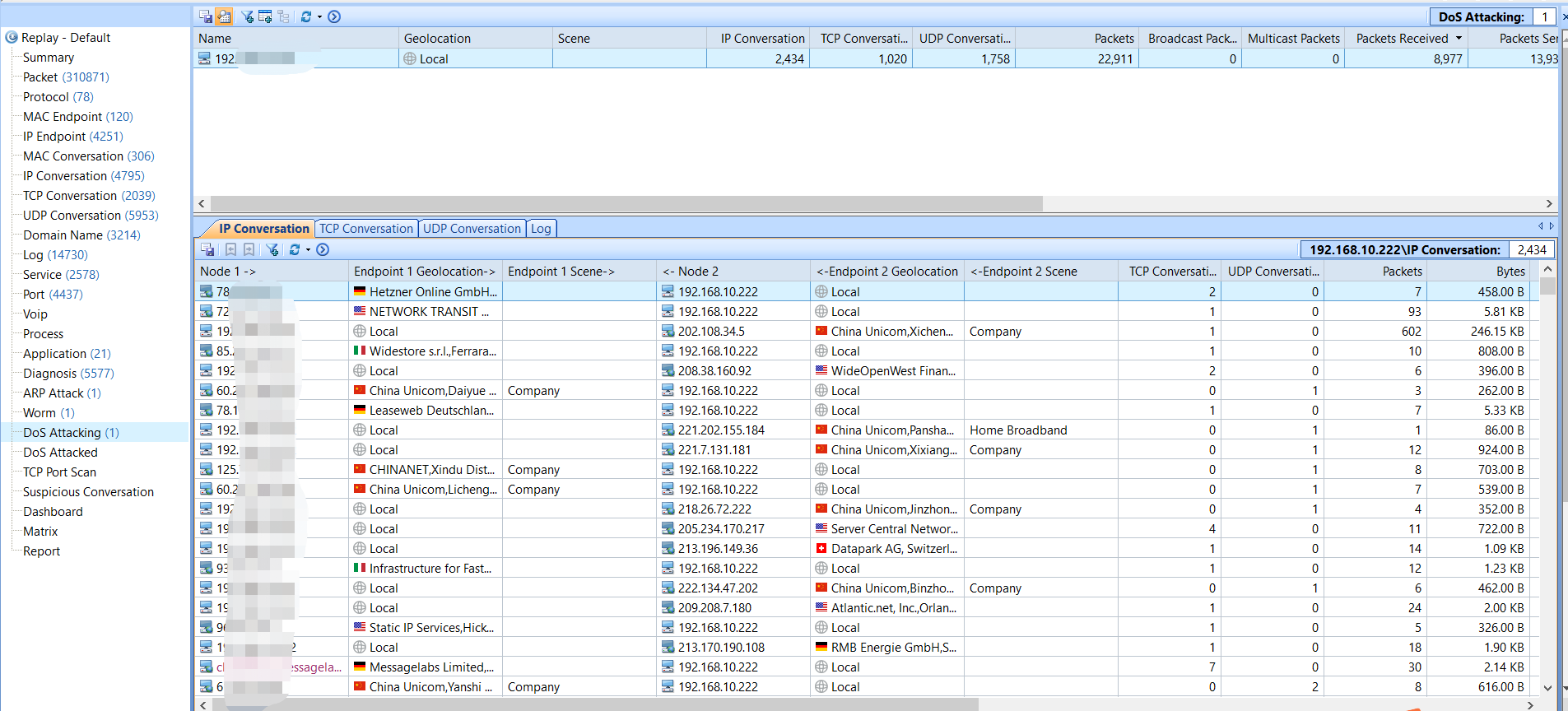
DoS Attack
DoS/DDoS attacks are serious network attacks. They could result in serious network problems, application down, network cut off and data security. Capsa detects both the compromised machine in your network joining a DDoS attack, and the machine under a DoS attack.
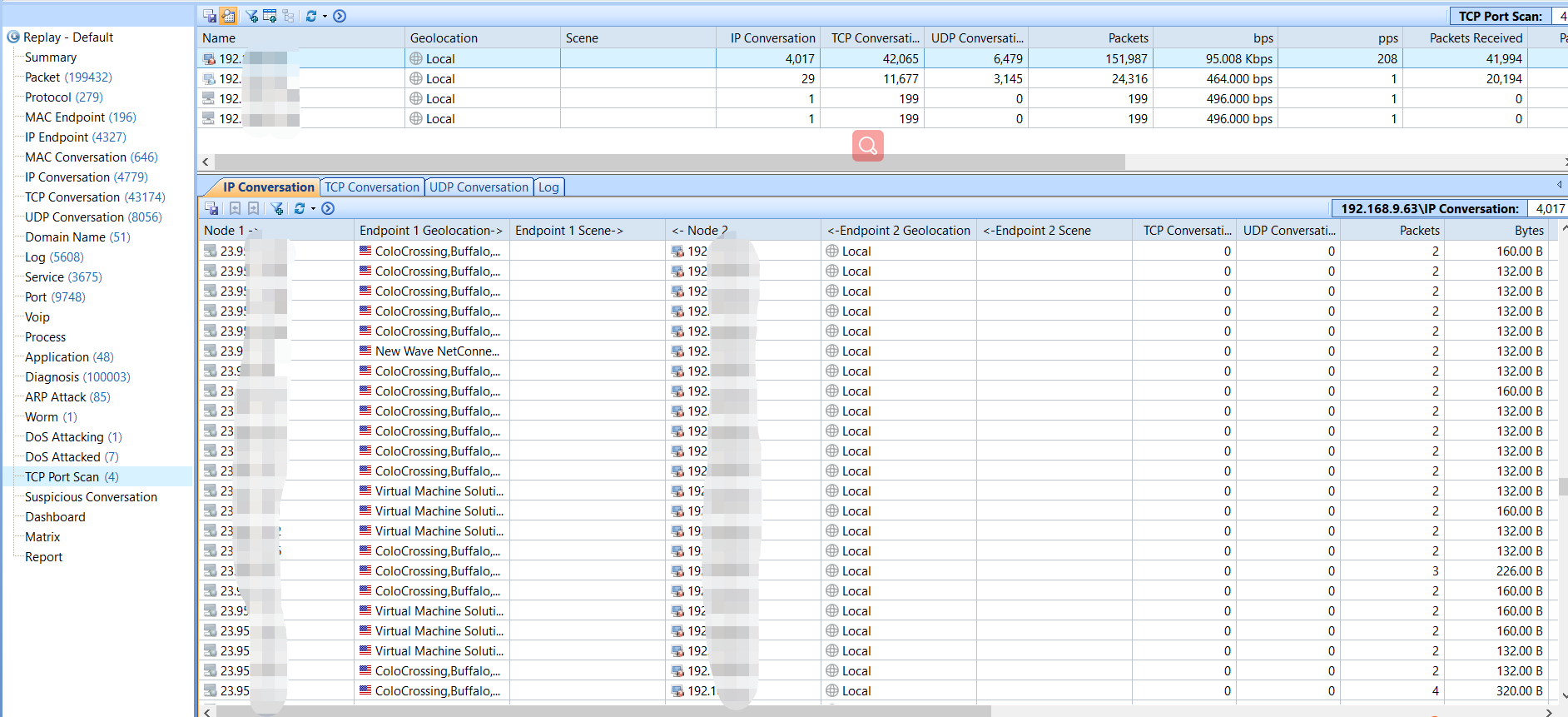
TCP Port Scanning
Port scanning is often the first step of an attack. When we see any item in this tab, we should pay attention to this machine and figure out why.
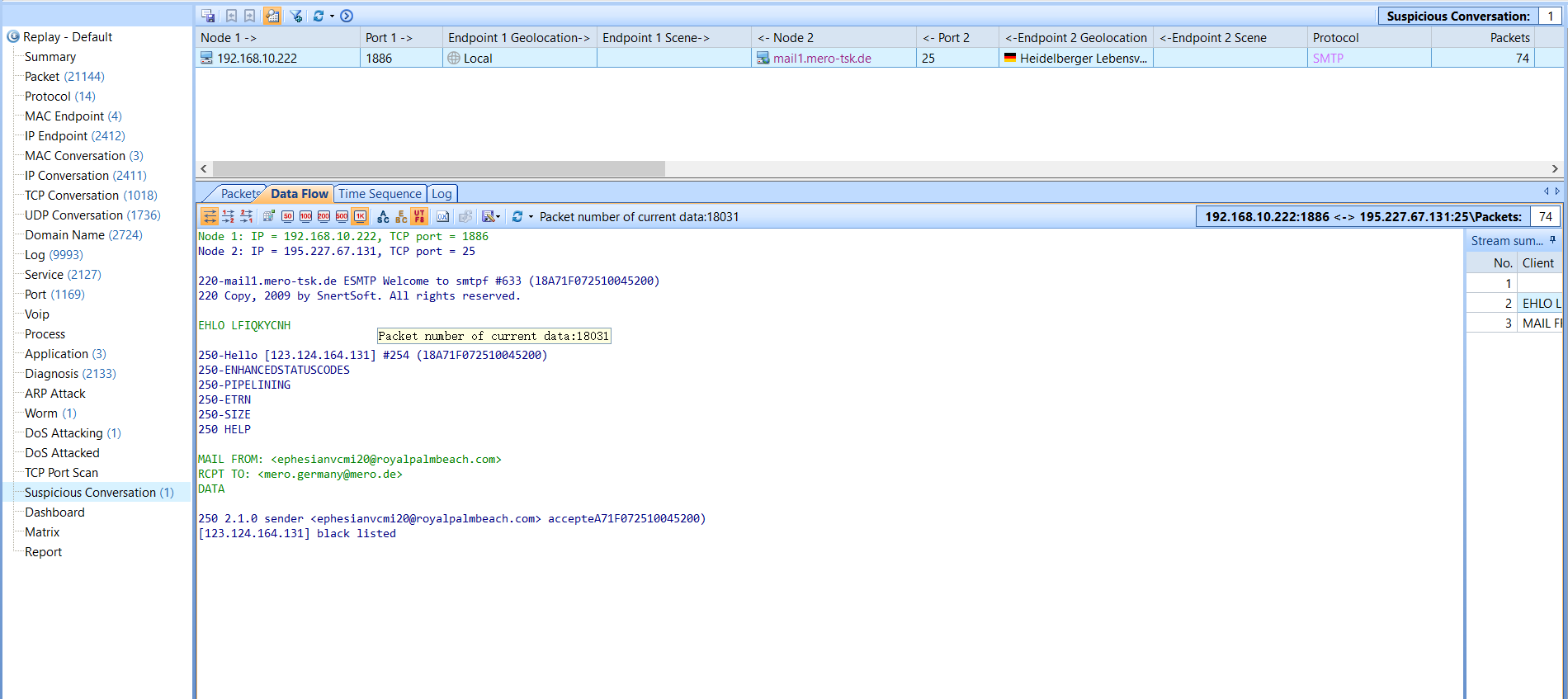
Suspicious Conversation
There are forged traffics in network which also threat our network security, such as data security. For example, some viruses are implanted into computers and then pass through the a specific channel, such as email.