Network Conversation and Packet Decoding
What is Conversation?
As sentences are always composed of words, computers communicating through conversations which are constructed by packets. Conversation is simply a combination of related packets listed in order.
Why analyze Conversation?
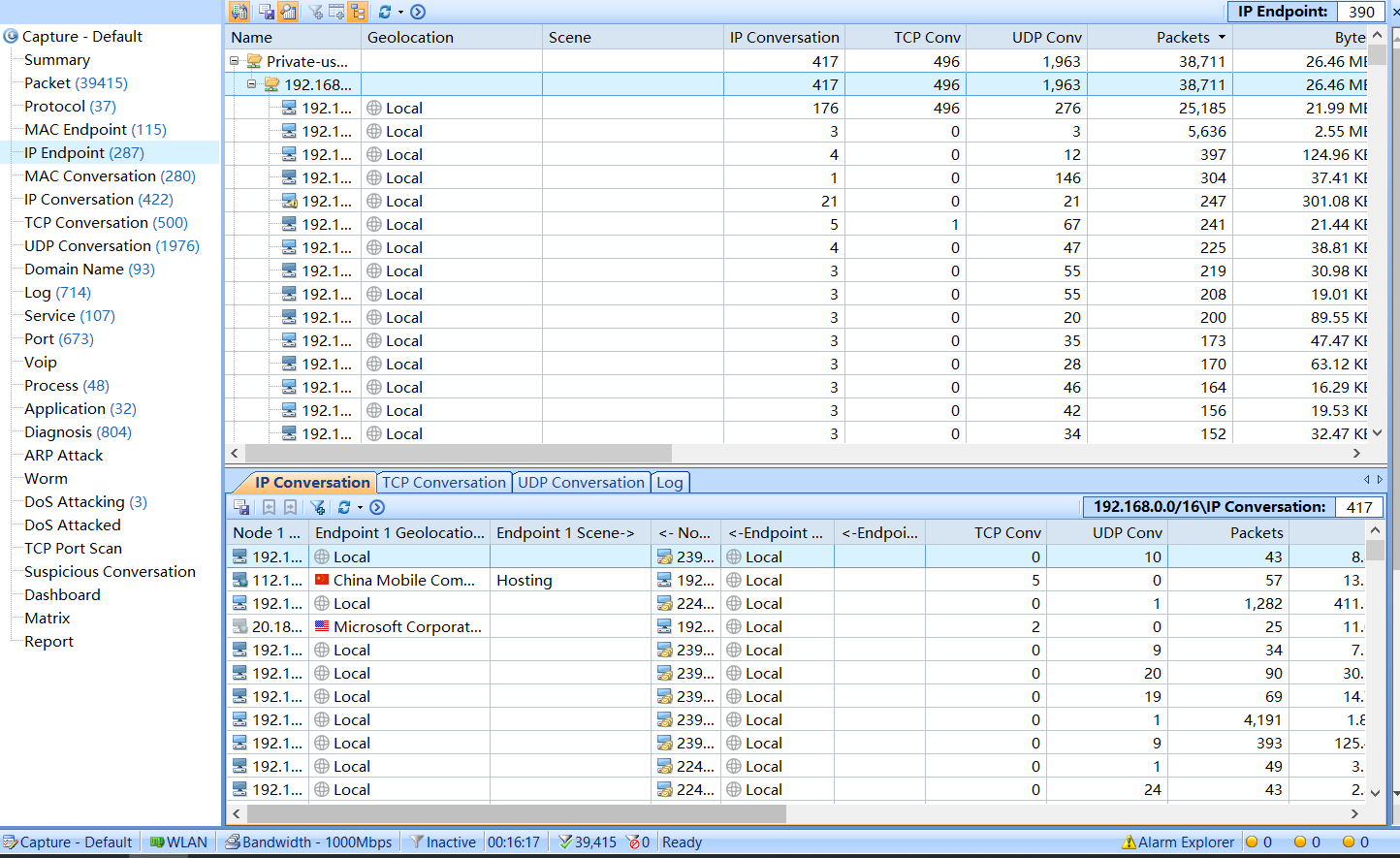
Without a reconstruction of packets, you can see only meaningless words like H, L, L, O, E, which is originally "Hello". Capsa provides with four conversation tabs, Physical Conversation tab, IP Conversation tab, TCP Conversation tab and the UDP Conversation tab. These tabs show how the original sentence the computer is talking about rather than scattered and out-of-order packets.
TCP Stream
TCP is a special sort of conversation. The packets inside are relative to each other, by the TCP sequence numbers.
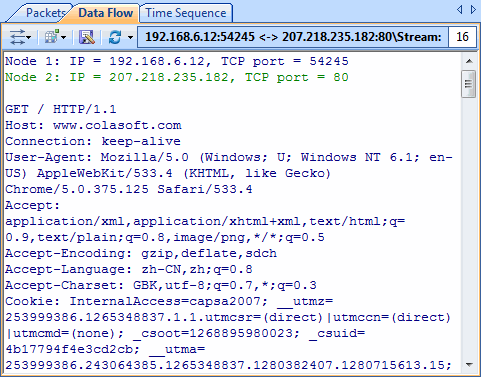
After TCP stream reconstruction, most communications of some specific applications become readable by human eyes such as HTTP stream, POP3 traffics.